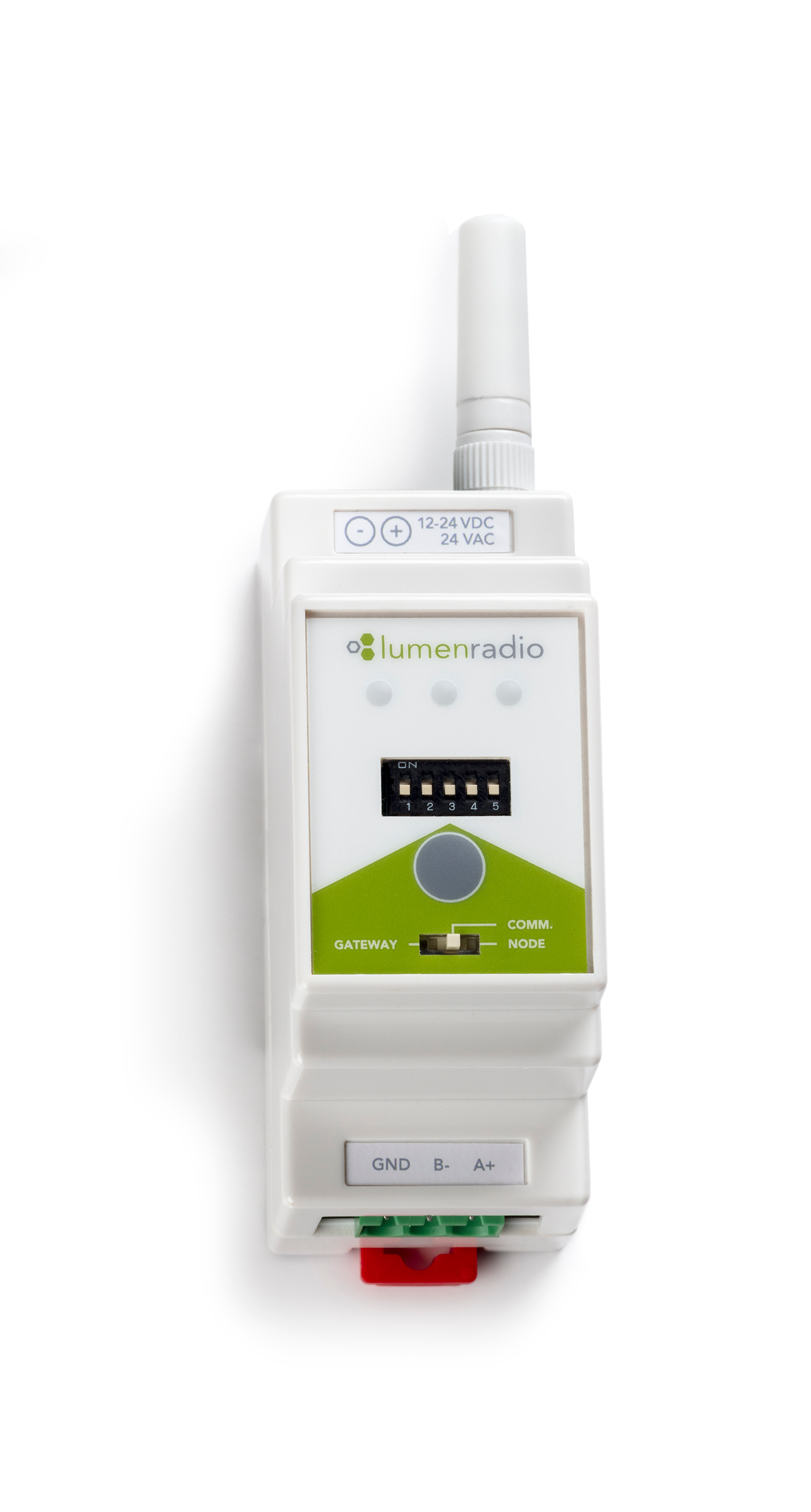
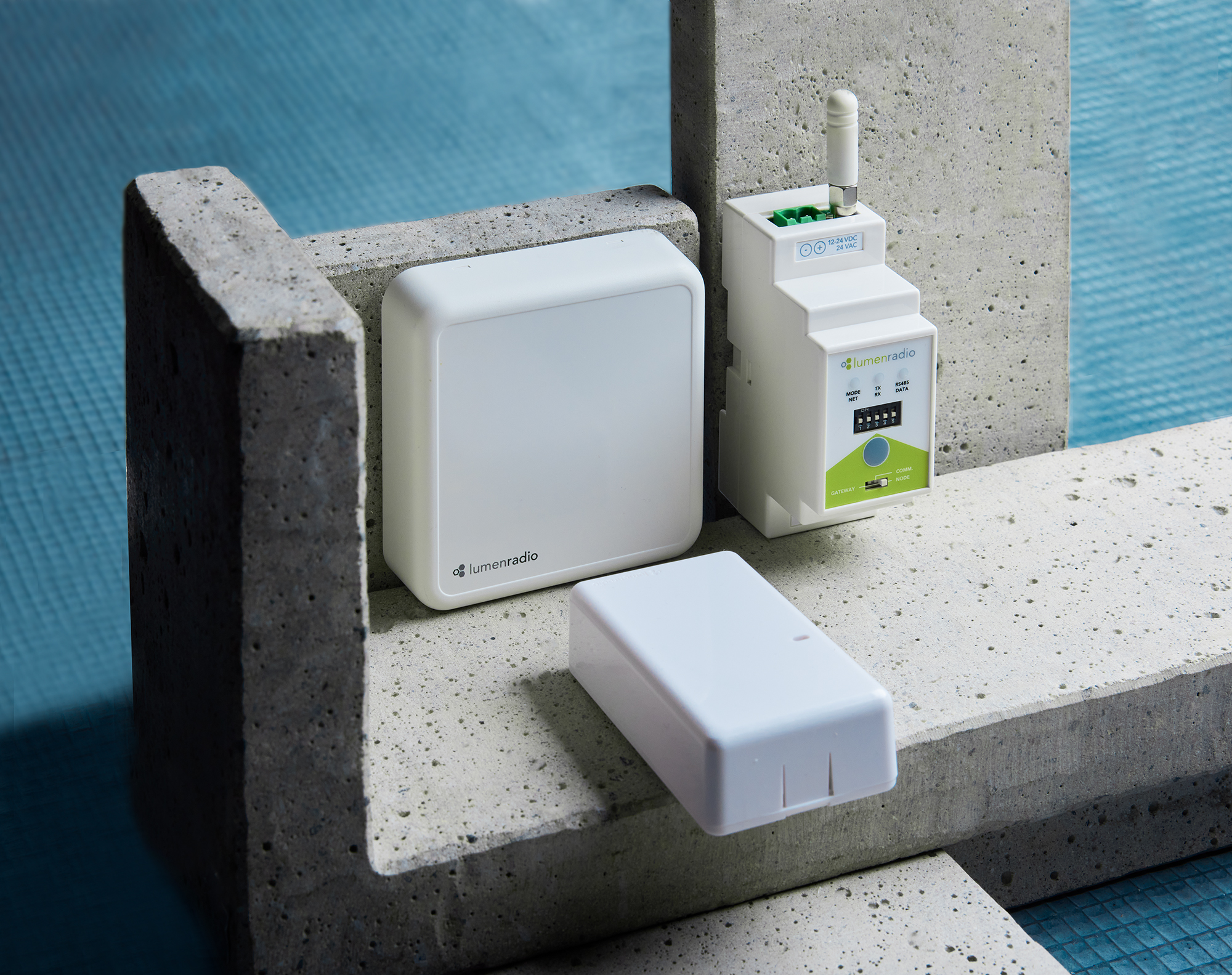

W-Modbus DIN rail
SKU 840-2120
Next to your controller inside electrical cabinet.
– Replaceable antenna
– Indoor and outdoor installation
– Baud rate agnostic with external switches
– Rigid block terminals
For retails, offices, residentials etc. RTUs, AHUs, smart meters etc.
Modbus RTU through reliable wireless mesh
W-Modbus replaces the Modbus RTU cable with a reliable wireless mesh – it eliminates time-consuming installation planning, cabling, daisy-chaining and trouble-shooting. Plug-n-Play: No programming required. Enable energy savings and meet sustainability targets with wireless control.
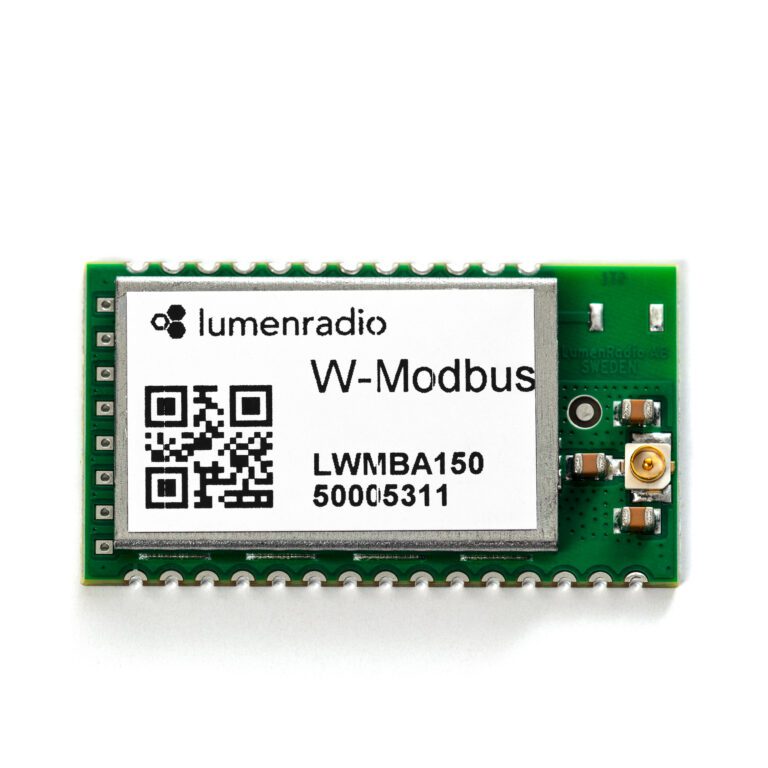
The W-Modbus product acts as a proxy for a connected Modbus MS/TP device, effectively extending the bus and creating the possibility to make wired products wireless. A W-Modbus network consists of a single W-Modbus gateway with up to 100 W-Modbus Nodes.
Patented technologies
The W-Modbus product is built upon LumenRadio’s patented meshing technology MiraMesh - providing ultra-reliable device-to-device connectivity, easy installation, concurrent Bluetooth and extended range.
With LumenRadio’s W-Modbus solution it is possible to create a wireless Modbus RTU system that maintains the Modbus RTU standard, while still keeping a low latency.
Instant installation
Unique reliability
Baud rate agnostic
Long range
- W-Modbus Differentiation model
- W-Modbus Application guide for solar applications
- Range Calculator
- W-Modbus Product sheet_English
- W-Modbus Product sheet_German
- W-Modbus Installation guide_PDF
- W-Modbus Installation video
- W-Modbus RTU product sheet English
- W-Modbus Solar installations product sheet_PDF_English
- W-Modbus Solar installations product sheet PDF_German
- W-Modbus Solar installation guide PDF_English
- W-Modbus Solar installation guide_Video
- Wireless in Building Automation
- Wireless in Building Automation_German
- W-Modbus Quick Start Guide
- Out-of-the-box installation – just power up and connect to your Modbus device and you are up-and-running.
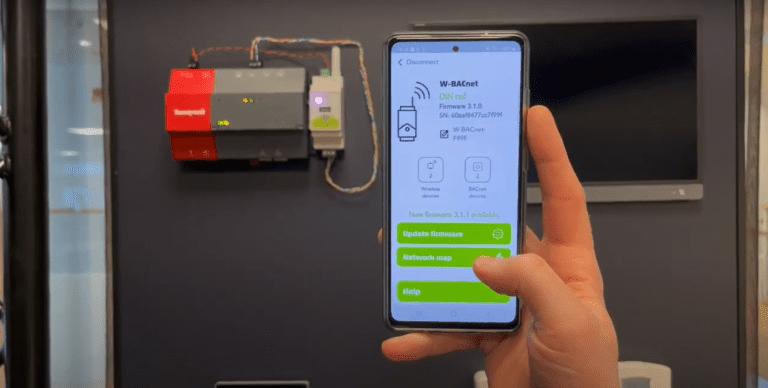
- Instant commissioning – 3 simple steps, commissioning the W-Modbus network in minutes.
- Mesh network – cover an entire building, utilizing the mesh network as your infrastructure.
- Range – 700 meters (line-of-sight) per hop in the mesh network (approximately 50- 70 m indoors with walls)
- Cognitive Coexistence – LumenRadio’s patented technology provides industrial-grade reliability and immunity to interference.
- Self-optimizing network – the mesh network will always find the best way to send messages through the network between devices.
- Modular configuration – you no longer need to have the same baud rate in the whole network, supports individual settings for each device.
- Power supply AC: 24 VAC ±15%
- Power supply DC: 12–24 VDC ± 15%
- Max. power consumption: 2.5 W
- Auto resettable fuse: Yes
- Solid cable rating, connector: 0.2 – 1.5 mm2
- Stranded cable rating, connector: 0.2 – 1.5 mm2
- Conductor sizes (AWG): 24 – 16
- Range – 700 meters (line-of-sight) per hop in the mesh network (approximately 50- 70 m indoors with walls)
- IP class: 20
- Dimensions (W x H x D): 36.5 x 93.0 x 58.7
- Weight: 87 g
- Power source restriction: Only to be powered by a UL listed LPS power supply of max 15 W
- Ambient operating temperature: -20 to +55°C
- Ambient storage temperature: -30 to +80°C
- Relative humidity: 10 – 95% non-condensing
- Material: ABS UL94-V0 Color:
- White Frequency band: 2.45 GHz, ISM band (2400-2483 MHz)
- Baud rate: 9 600, 19 200, 38 400, 76 800 bps
- Number of Nodes: 100 Nodes in one wireless network Max. number of hops: 8 hops in the meshing network
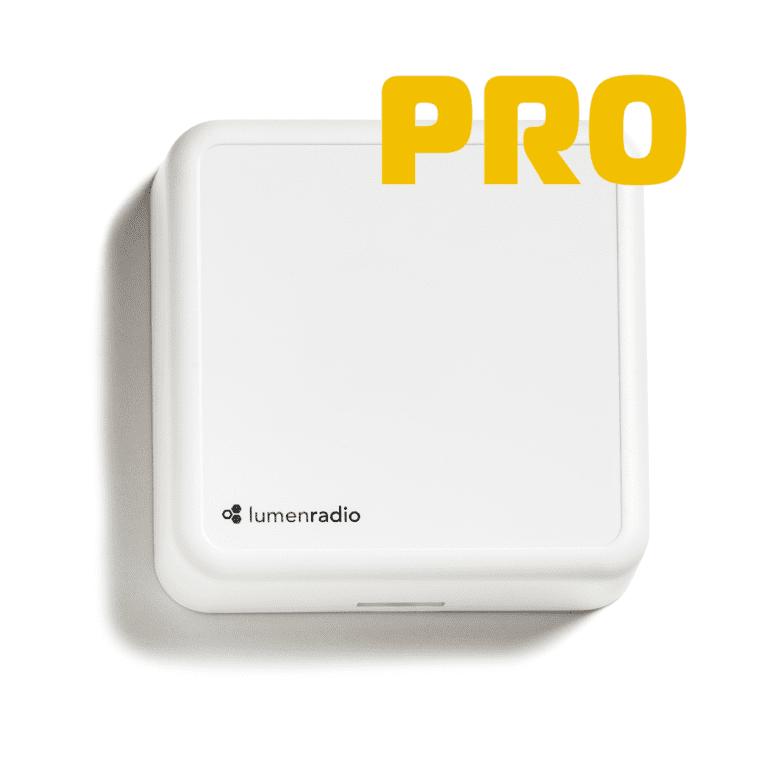
A W-Modbus network consists of a single W-Modbus gateway connected to the Modbus client using a Modbus RTU cable and up to 100 W-Modbus nodes. The W-Modbus PRO nodes can be connected to one to four Modbus servers over a Modbus RTU cable compared to a normal W-Modbus node that can connect to one server over a Modbus RTU cable.

The device is an “end device with internal terminal resistors”. Can this termination be switch off?
No it can not. Typical usage of the product is that the product is end of line.
Can I connect several Modbus RTU Servers (slaves) behind one W-Modbus unit?
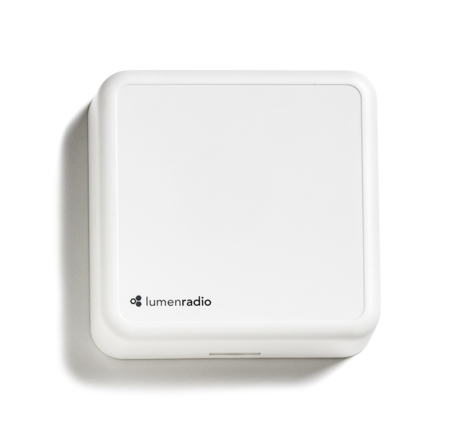
This is possible on the W-Modbus Wall mount PRO unit.
How do I give the W-Modbus Node its Modbus ID?
The W-Modbus unit do not need any Modbus ID. It will proxy it's Modbus server (slave) ID. The third LED (bottom on Wall mount and right on DIN rail) will flash green every five seconds if the W-Modbus node fins an modbus id on the bus with a correct baud rate. It will flash red otherwise.
Does W-Modbus transfer Modbus signals wirelessly?
The W-Modbus units transfer Modbus RTU signals and not Modbus TCP.

On-Demand Webinar
Find your Superpower with wireless Building Automation