AirGlow
SKU: 820-4002
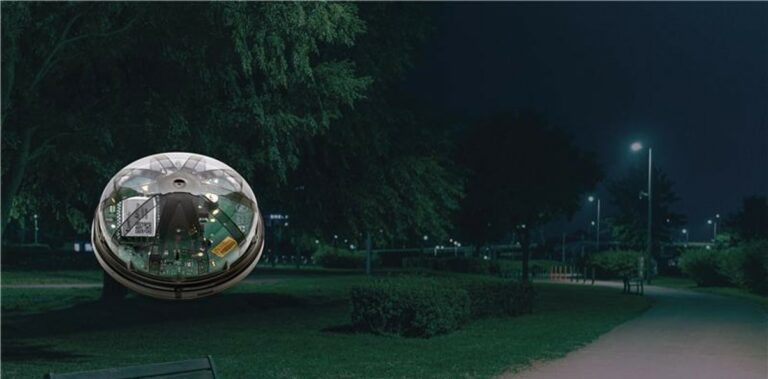
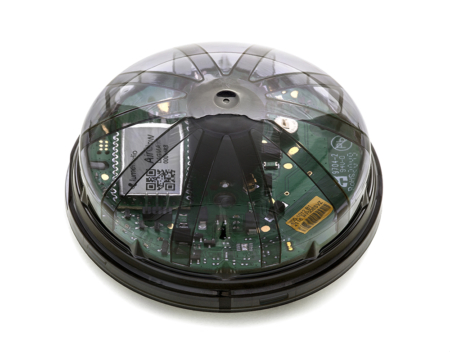
Wireless Mesh outdoor lighting controller.
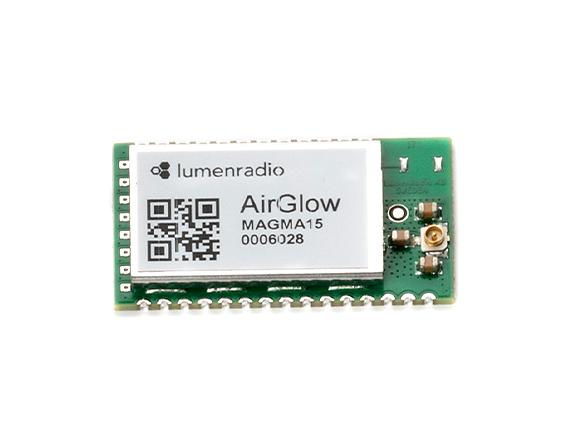
AirGlow combines advanced technology for superior range and reliability with easy commissioning using Bluetooth + App and offers a “connectivity-out-of-the-box” solution not seen before in the outdoor lighting control segment. AirGlow is DALI 2 and D4i certified with a Zhaga Book 18 connector.
SAVE ENERGY
Easily create an energy efficient light night dim settings with the AirGlow app.
SAFETY
Don’t compromise safety, AirGlow together with a DALI-2 movement sensor - right amount of light at the right time.
ONE-TIME FEE
AirGlow doesn’t come with long term agreements or recurring fees, it’s a one-time cost. Easy to buy and easy to install.
Cut energy cost without compromising street light safety.
AirGlow reduces power consumption at the same time it has an immediate effect on people’s sense of feeling safe.
Autonomous control can be programmed for advanced night dimming schemes with sensors reacting on any movement from the immediate surrounding, turning on the light to full illumination within a second. No movement, no lighting, no waste.
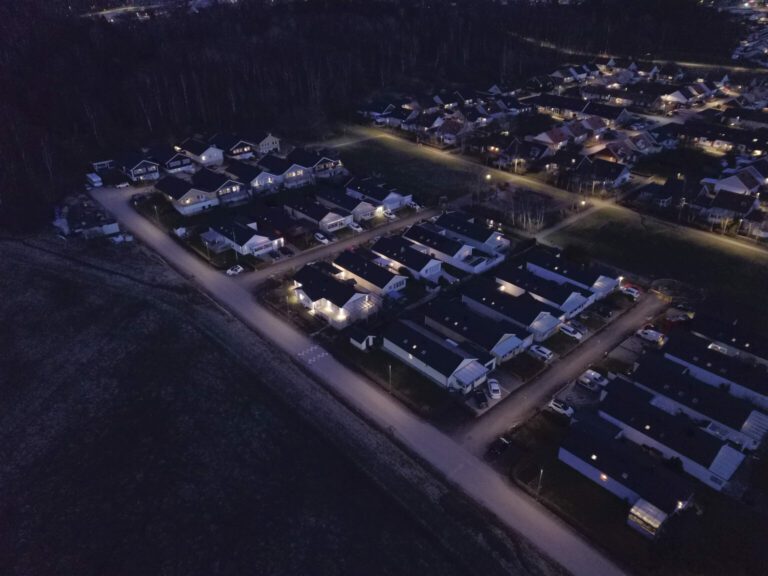
Easily calculated energy savings while not compromising safety and visibility. No subscription agreement. Just an upfront cost for AirGlow. Cities and municipalities can now provide illuminated environments only when it is needed - for stadiums, car parks, cycle paths, buildings and public parts. Easy made lighting control.



SUPERIOR RANGE
UNIQUE RELIABILITY
SMARTPHONE COMMISSIONING
RGBW & TUNABLE WHITE
What wireless range does AirGlow have?
AirGlow has a line-of-sight range of up to 1500m. For installations, LumenRadio recommends a maximum distance of 150 meters between any two AirGlows. This will ensure good performance regardless of weather conditions.
Do I need an Internet connection?
The app needs to be connected to the Internet during the setup of the system, and during commissioning of each AirGlow. The AirGlow itself does not need an Internet connection.
How do I download the app?
Download the AirGlow app from either App Store or Google Play.
How do I enter my details?
Start by creating an account, log in. Fill in all necessary information under “My Account” and save details.
What is a System?
A system is a collection of zones.
What is a Zone?
A zone is a wireless mesh network of configured AirGlows, e.g. on a city street.
Can I delete a System or Zone?
No. It is however possible to archive a system or zone. We don’t want someone to delete a system or zone by mistake since that will make it impossible to access any AirGlow in that system or zone.
Can one AirGlow be in more than one Zone?
One AirGlow can only be used in one zone at a time.
How can I setup a RGBW luminare?
Ensure that the luminaire is RGBW DALI DT6 by checking the luminaire manual. Make sure that your driver/-s are configured correctly for AirGlow. The app can be used to configure your driver/-s (incl. DALI addressing) if needed. See chapter “DALI configuration” in the user manual for more information.
How do I add an AirGlow to the app?
1. Create and/or log in to an account.
2. Create a System and Zone.
3. In the Zone view click on the “Find AirGlow in Range” button. If there are several AirGlows in range, you can select one AirGlow from the list and it will identify itself by flashing the light five times.
4. Configure the selected AirGlow and continue with the next AirGlow.
Temperature, vibration, IP-rating and UV-resilience?
Temperature: -40C to +65C
Vibration: IEC 60068-2-6:2007
IP-rating: IP66
UV-resilience: PC smoked glass with 76% light filtering
What happens if I drop the AirGlow?
AirGlow has been drop tested with good results but make sure to test the functionality before installing it on site.
- DALI-2 and D4i certified
- Zhaga book 18 compliant hardware
- Astronomical time triggering of scenes
- Time triggering of scenes
- Presence detection scene triggering through LSI interface and DALI-2/D4i sensors
- Use smartphone app to set up scenes and groups
- Up to 6ch DALI DT6, CW WW RGB A/W
- Sub-second response time
Environmental:
- Temperature/Humidity
Operational: -40 to +65C / 10% to 90% non condensing
Storage: -40 to +85C / 10% to 90% non condensing - IP66 rated
- IK09 high impact resistant
- UV protection/salt ingress, protected by enclosure
Electrical
- 24+/-6VDC input voltage
- 250mW nominal power consumption
- 27VDC max on DALI and LSI input pins
- All interfaces ESD protected
Dimensions
- 80mm diameter x 40mm height
Conformance
- CE/RED
Radio: EN300328 v2.2.2
EMC: EN 301 489-1, EN 301
489-3, EN 301 489-17
Electrical Safety: EN 62311, EN
62368-1+A11, EN 60950-22 - Environmental
IEC 60068-1, IEC 60068-2
Configuration data storage
- Highly secured storage in cloud
- System access controlled by system owner
- All data encrypted for privacy and security
MTTF (Mean Time To Failure)*
- >100000 hours
*MTTF verified through HALT/HASS testing
Set-up and install devices and configure scenes with the AirGlow app
Apple: Go to Apple Store to download the iOS version of the AirGlow app
Android: For the Android version, use this link to the APK file and follow the steps below:
- Download the APK: Download the APK file using your phone’s browser.
- Locate the File: Open your phone’s file manager app (often called “My Files” or “Files”) and locate the APK file.
- Initiate Installation: Tap on the APK file and press Download.
- Enable Permissions (if prompted): If you haven’t installed apps this way before, Android will block it. Tap Settings on the prompt, then toggle Allow from this source to on.
- Finish Installation: Tap “Install” on the screen and wait for the process to complete.
Customer References
Read More