
W-DALI explained: how to control DALI lighting wirelessly
W-DALI delivers the same trusted DALI functionality, but without the constraints of physical wiring. By replacing control cables with secure, reliable wireless communication, W-DALI opens the door to faster projects, more flexible spaces and retrofit opportunities that would otherwise be impractical.
In a wired DALI network, a DALI controller communicates with luminaires across a building through a two-wire cable. With W-DALI, those same commands are carried over a wireless mesh network. W-DALI quite simply replaces the traditional DALI control cable with wireless communication.
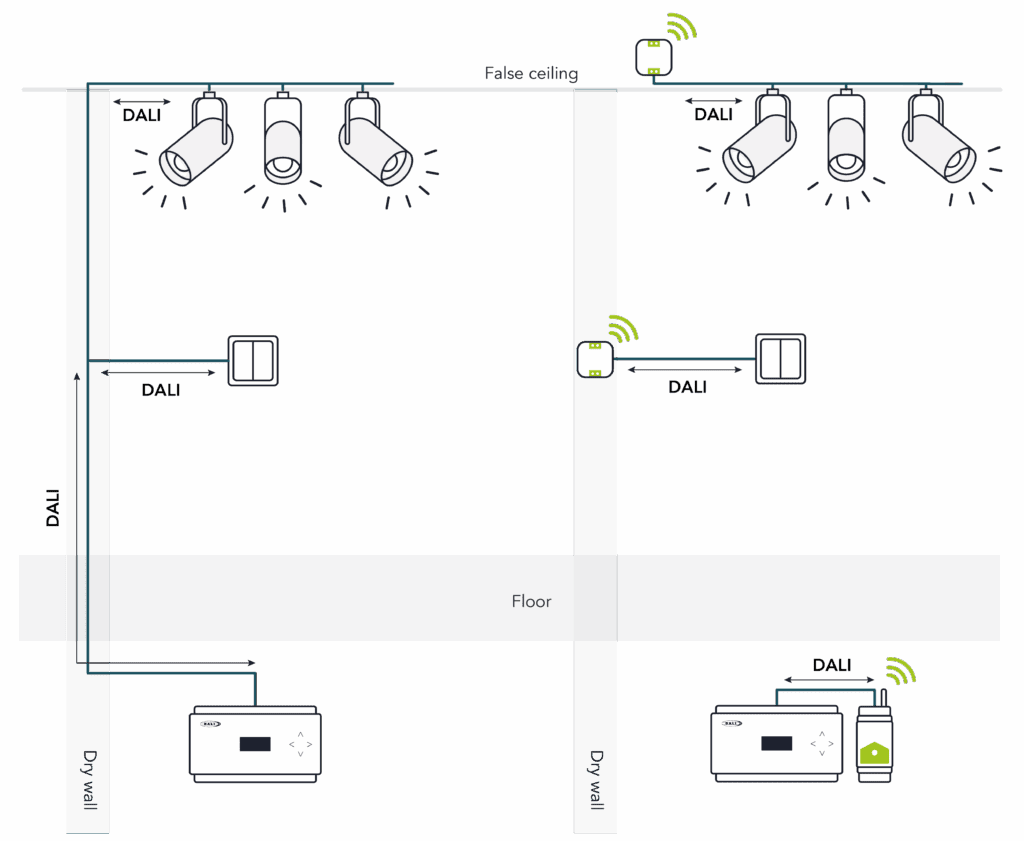
Core components of a W-DALI system
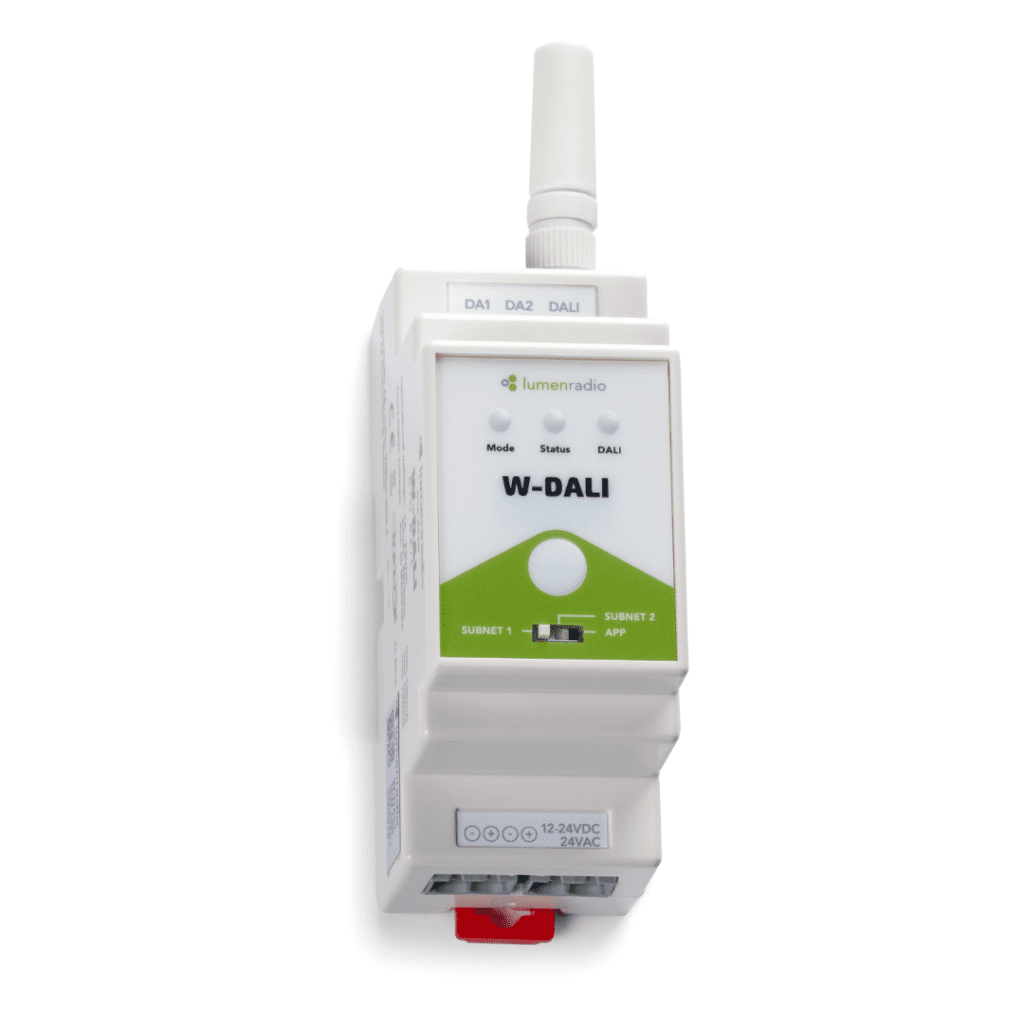
The W-DALI DIN Rail is designed to be mounted in an electrical cabinet and connected to the existing DALI controller. It can also be used as a receiver for extra range.
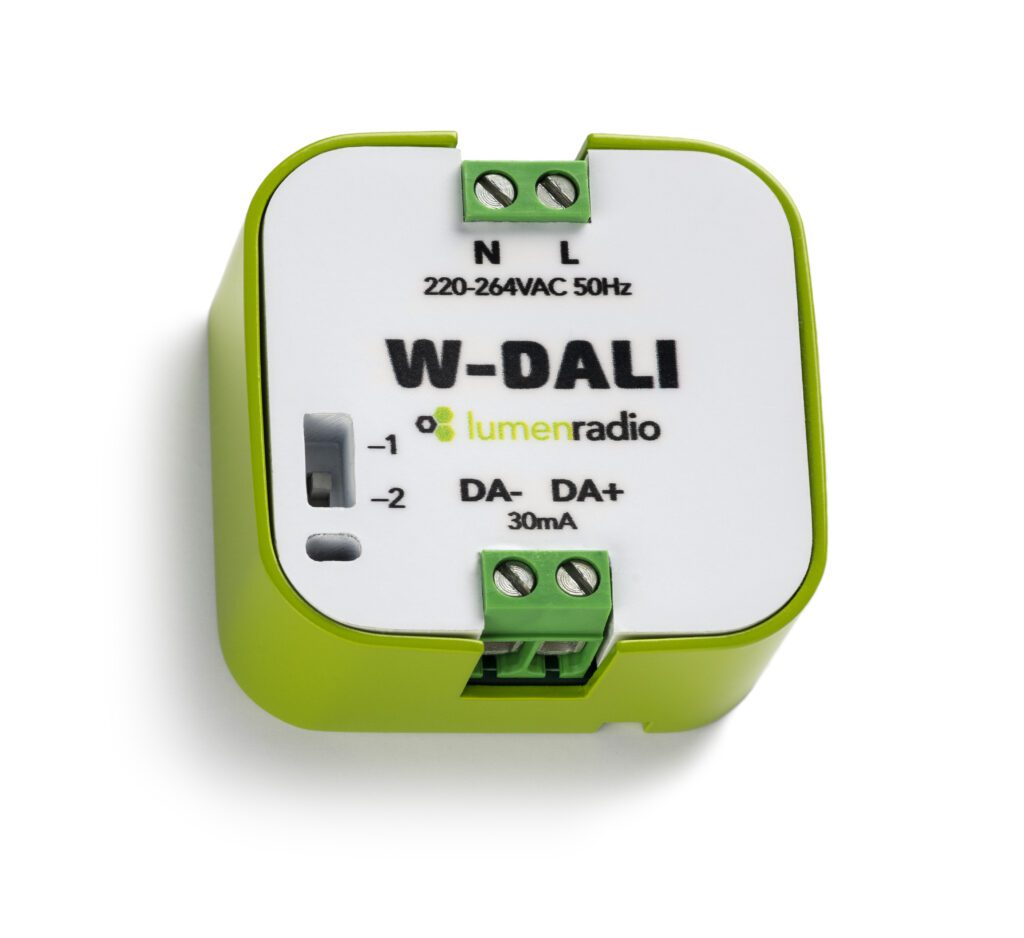
The W-DALI Node wirelessly receives DALI data for up to 10 DALI devices. W-DALI Nodes are installed either in a junction box or inside the luminaire itself. There is an integrated DALI PSU for powering your DALI devices, so no need for an extra power source for your luminaires.

From Wired to Wireless with W-DALI
Get your guide to going wireless
Key features of W-DALI
- Low latency, high reliability – LumenRadio’s patented wireless technology ensures secure communication and stable operation, even in crowded wireless spaces and complex building environments.
- DALI in, DALI out – W-DALI is standard-compliant – there are no changes to the protocol itself and no new programming languages to be learnt.
- Full DALI-2 compatibility – W-DALI is designed to work with all existing DALI controllers and luminaires supporting the DALI-2 protocol so there is no vendor lock-in.
- Hybrid systems – wired and wireless DALI segments can coexist in the same installation.
- Plug-and-play retrofit – existing installations can be upgraded without tearing out cables or replacing luminaires.
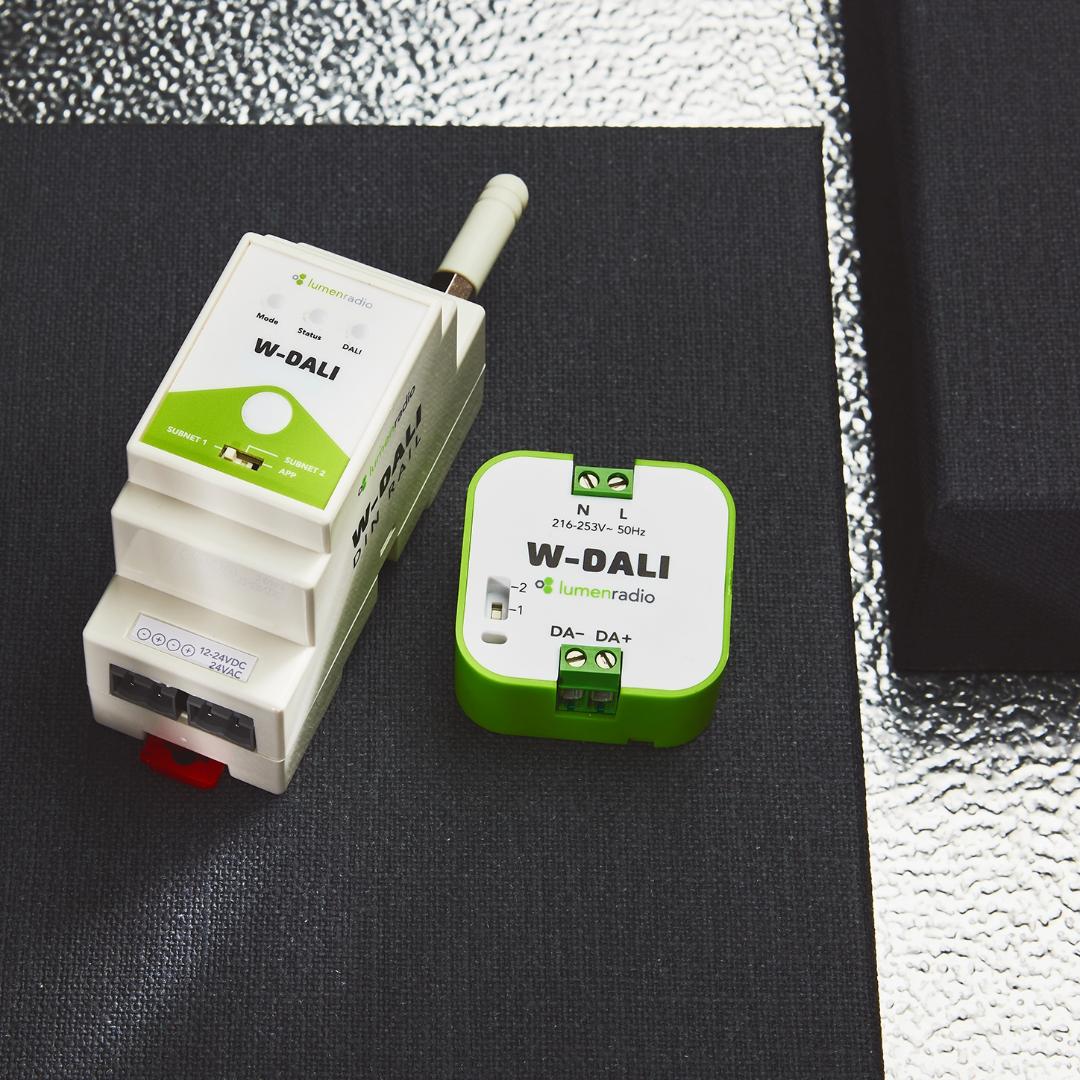
W-DALI. No strings attached.
Do DALI, the wireless way